
DJI Osmo Pocket 3 Review: The Best Pocket Camera for Creators?
The DJI Osmo Pocket 3 as a travel camera: what it replaces in the bag, where it beats a full mirrorless setup, and where it does not.
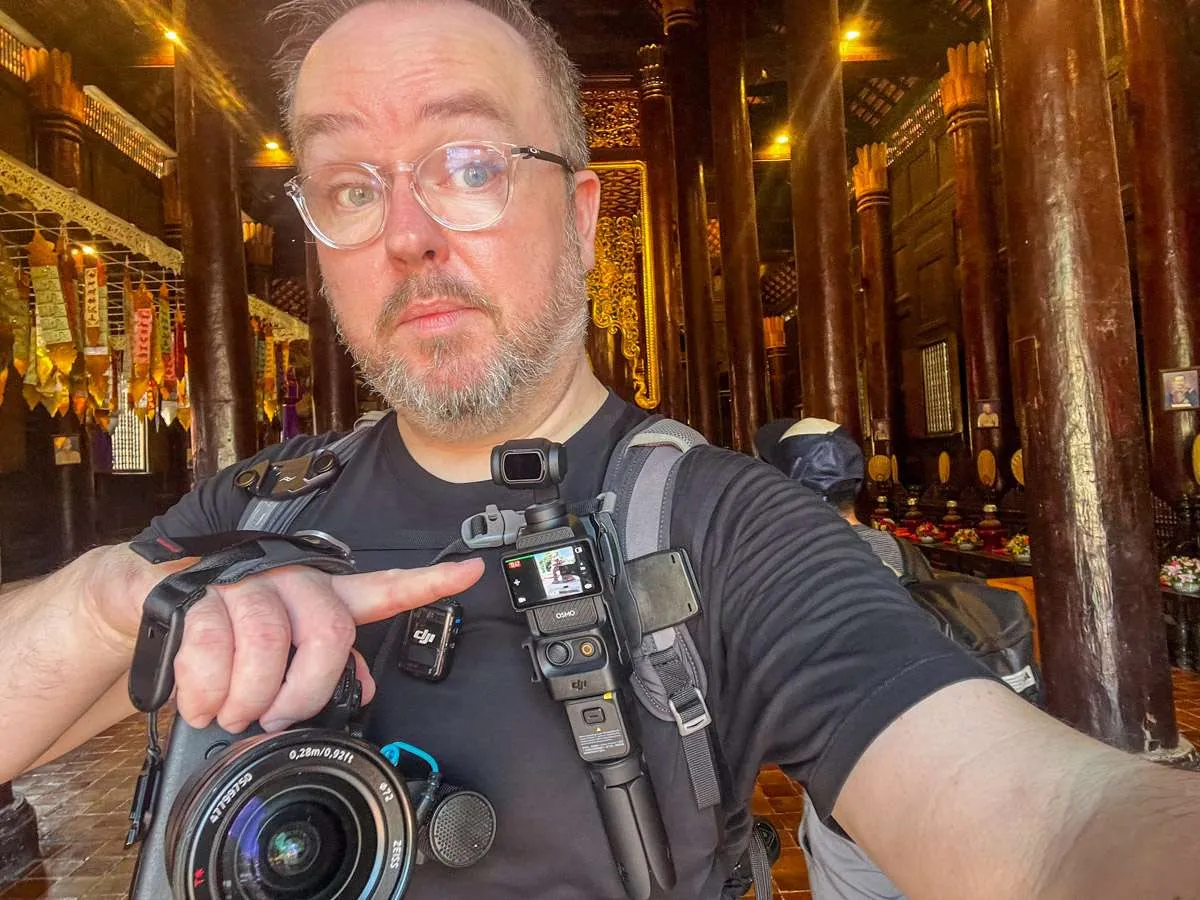
When you film travel content for a living, whether that's flights, trains, cruises or city walks, there's one problem that sneaks up on you: gear weight.
My Sony A7 IV is a workhorse, but once you add a couple of lenses, cables, spare batteries and a mic, your rucksack quickly becomes a shoulder-breaking anchor.
Minimalist Filming
I tried going minimalist with a GoPro. The footage is always decent, but the stabilisation was never quite smooth enough to avoid the odd shaky clip.
I saw some TikTokers using the DJI Osmo Pocket 3 and I was curious but cautious. On paper, it looked almost too delicate, like a drone camera gimbal but handheld.
I decided to wait until I was in Bangkok, where the prices at DJI's flagship store were the fairest around SE Asia, and got hands-on. I tested it while walking along the skywalks of Sukhumvit and attached it to a plane window during take-off on an Emirates A380.
Over the past few months, I have pushed it through real travel situations. Here's what I found out and whether it deserves a place in your kit.
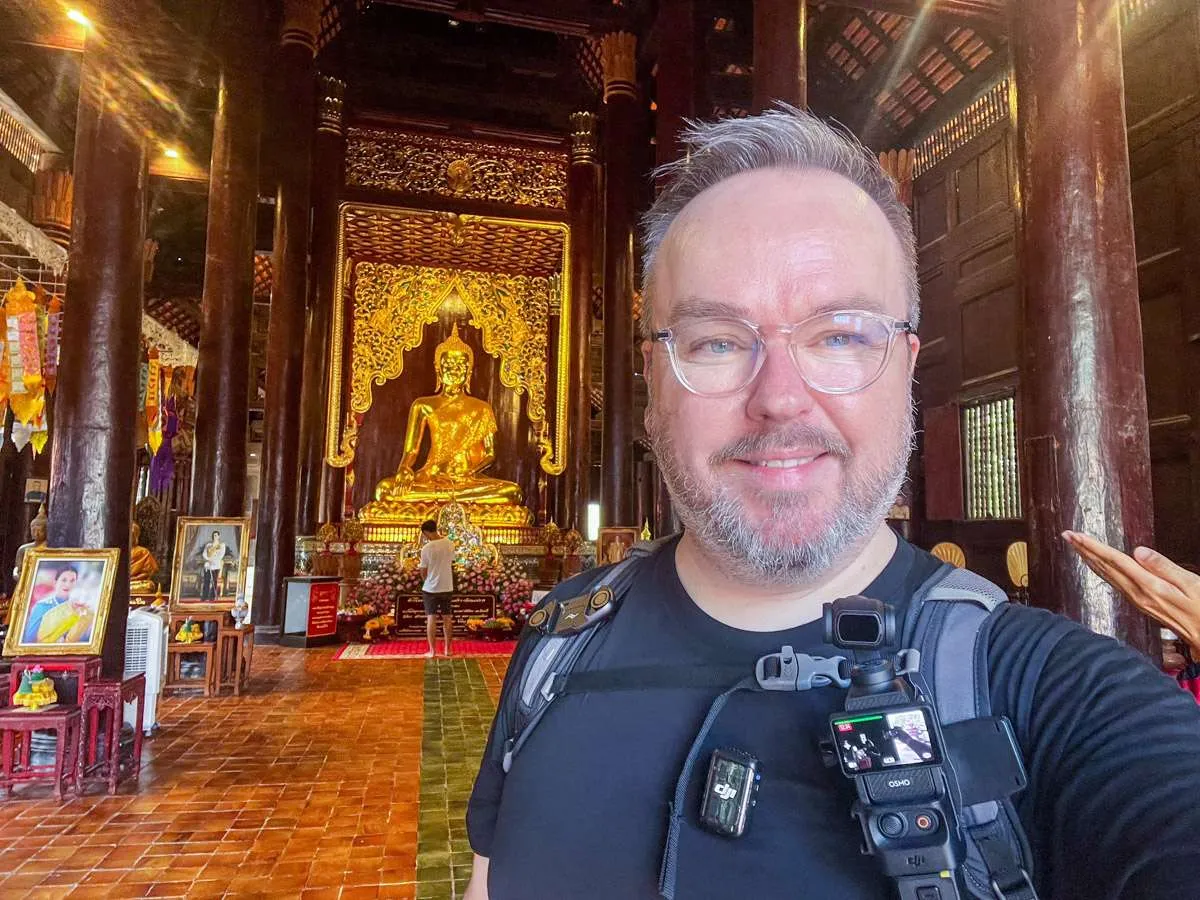 Testing the Pocket 3 in a temple in Chiang Mai, Thailand
Who Should Buy the Osmo Pocket 3?
✅ Solo creators, vloggers and travel YouTubers ✅ Social media shooters, especially if you want vertical video that looks polished ✅ Anyone who wants smooth, cinematic footage without lugging heavy gear ✅ Creators who need quick setup, real portability and reliable focus
Who Should Probably Skip It
❌ Professional filmmakers who need full lens swaps, advanced log profiles or weather sealing ❌ Photography purists, as this is a video-first tool ❌ Beginners on a very tight budget. I always say use your phone camera to get started.
What Makes It Stand Out
- 1-inch CMOS sensor for excellent dynamic range and good low-light performance
- Shoots 4K at 120fps, with 10-bit D-Log M and HLG for flexible colour grading
- Three-axis gimbal, which still beats most digital stabilisation
- Rotating 2-inch OLED screen, so you can swap between vertical, horizontal or square formats instantly
- Fast start-up, ready to shoot in about five seconds
- Built-in Wi-Fi and Bluetooth, so transferring files or using remote control is easy
- DJI Mic 2 support, which transforms your audio quality
Real-World Quality: How Does It Actually Perform?
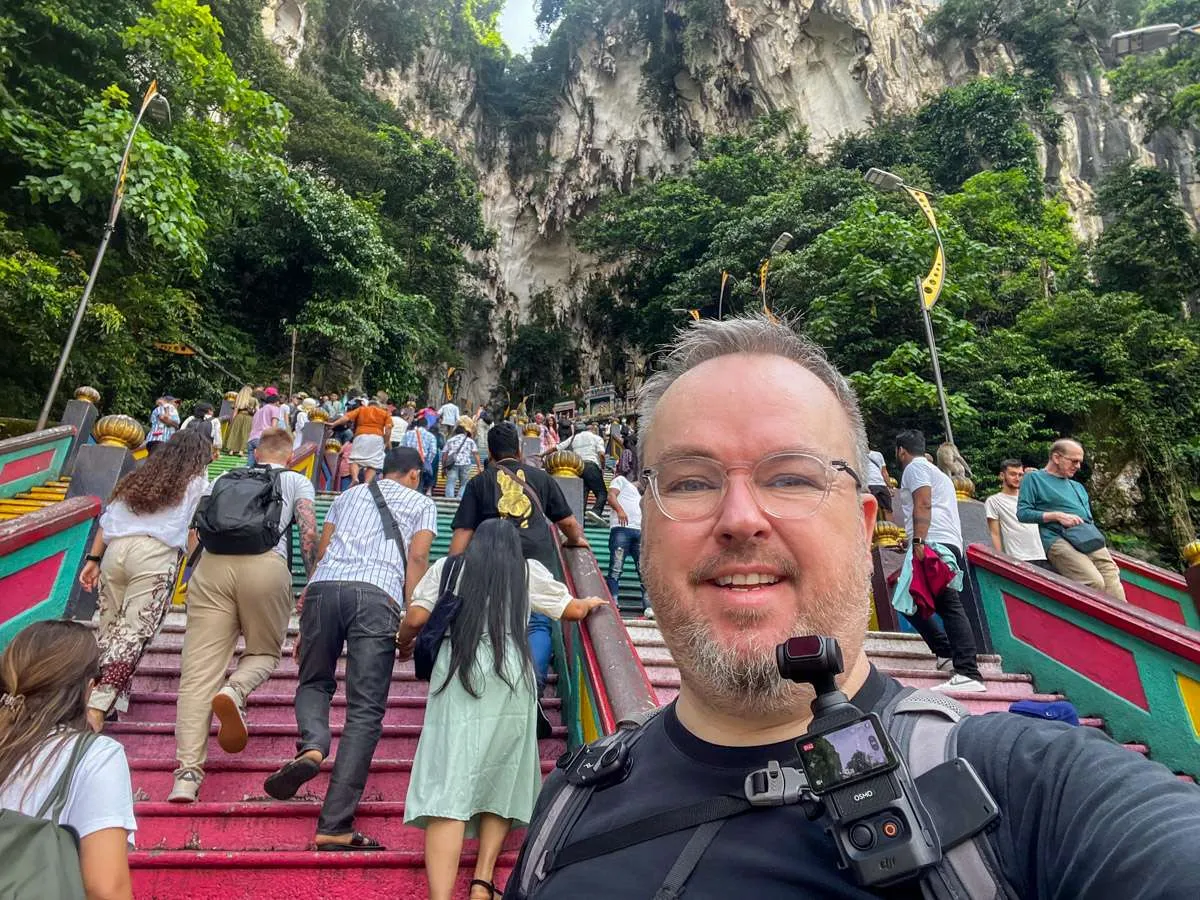 The Pocket 3 performs well in hot conditions (Batu Caves, Malaysia)
Image and Video Quality
Upgrading to a 1-inch sensor genuinely puts the Pocket 3 ahead of most smartphones and older Osmo models. Colours look rich yet natural, highlights stay under control, and you keep detail in the shadows. I was surprised when I tested this on a night walk in Bangkok where neon signs and busy street stalls all came out crisp with hardly any noise.
Low light is genuinely strong for something this small. The gimbal stabilisation helps you get footage you simply could not capture with a phone alone (unless you carry the phone IN a gimbal).
Stabilisation and Gimbal
This is the feature that truly sells the Pocket 3. The three-axis gimbal keeps your footage steady as you walk through an airport, film out of a train window, or record yourself on a city street. Compared to the digital stabilisation you get on an action camera, the difference is clear.
Caution: there's no gimbal lock, so you do need to handle the camera carefully and store it in a protective case. If you need your camera to survive bashing in the wild, get a GoPro.
Audio Performance
Out of the box, the internal mics are fine for casual clips, but if you want reliable, high-quality audio, you should just get the Creator Combo. The DJI Mic 2 is like an Apple product in the best sense. Clip it on, switch it on and it works straight away. I filmed a street walk near heavy traffic and still got clear voice audio, which has always been one of my biggest frustrations when travelling.
Battery Life and Heat
In my experience, you will get about 90 to 100 minutes of continuous 4K30 recording, which is more than enough for a day of travel shooting. The combo comes with a supplementary battery pack which extends things nicely.
Quick charging via USB-C means you can get back to 80 percent in about 20 minutes if you are in a hurry. I filmed in 34 degrees heat in Bangkok and only once had an overheating problem, when it shut off until I got back into some air conditioning, but that was a one-off on an extremely hot day in direct sun.
Everyday User Experience
This camera really is built for fast, vlog-style shooting. Pull it from your jeans pocket, power it up and you are filming in seconds. The OLED screen is bright and responsive and the menu system is fairly easy to navigate. I set it up at the start and I don't play around much with the settings.
One feature I do use on the fly is Face Tracking and ActiveTrack - these keep you centred when vlogging, although it can sometimes lose you if you move away from it in a busy background.
Although I mostly film widescreen for YouTube, the opportunity to shoot vertical for TikTok or Reels is great. Swapping orientation is instant. Just flip the screen and you are ready to go.
How It Compares to Action Cameras
| Feature | DJI Pocket 3 | GoPro Hero12 / Insta360 X3 |
|---|---|---|
| Sensor Size | 1 inch CMOS sensor | 1/1.9-inch (smaller) |
| Stabilisation | Mechanical gimbal | Digital stabilisation only |
| Video Formats | 4K120, 10-bit Log | Up to 5.3K60, no gimbal |
| Audio | Excellent with Mic 2 | Needs a mic |
| Use Case | Vlogging, travel | Sports, extreme conditions |
If you need a camera for high-impact activities, an action camera still makes sense. Even though I don't do much in the way of sports, I usually have a GoPro in my kit as a small, fail-safe back-up. But for daily vlogs, city travel or behind-the-scenes work, the Pocket 3 suits me perfectly.
 Windswept with the Osmo Pocket 3 filming aboard a Virgin Voyages ship
Accessories I Actually Recommend
✅ Creator Combo: do not skip this, the DJI Mic 2 and battery handle make all the difference ✅ ND Filters: if you want smooth footage in bright light ✅ Wide-Angle Lens: really useful for cramped indoor shots - I use this as my default for vlogging ✅ Protective Case: comes with the creator combo, but buy one either way - it's essential if you want to keep the gimbal safe in your bag
Is the DJI Osmo Pocket 3 Worth It?
It's down to your use case, if I can put it like that. If you're a regular content maker and you want a pocket-sized camera that gives pro results, this is it. I love how quickly I can start filming. No rigs, no focusing, no missed moments. It's small enough to put in your pocket or everyday carry, but solid enough in the hand. However, you need to treat the gimbal gently, but that's the trade-off for getting stable footage.
One other thing: if you want to shoot in 4K 120fps, you'll need a micro SD card capable of dealing with the write speed and size of your files.
My Advice
For regular vloggers or TikTokkers, I really recommend the Creator Combo. If I'm anything to go by, you'll use every bit of that kit and it all works right out of the box. This setup lightened my backpack and I now leave my Sony camera (and all its bits) at home.
You can check the latest price and see my recommended kit here on Amazon UK or on Amazon USA.
Expect to pay roundly £600 or $950 for the Creator Combo, but there are regular sales on Amazon and with your local camera shop. This is not cheap, as you'll appreciate about most camera set-ups. If you're not ready to take that leap, I always advise new content creators to start with what they have (which is usually a phone).
If you want to see what other cameras and accessories I pack, take a look at my full list here: Best Gear for Vlogging.